
What shoppers see
TierStep adds everything shoppers need to decide now, without any setup. You can switch each part on or off and reword it in Settings.
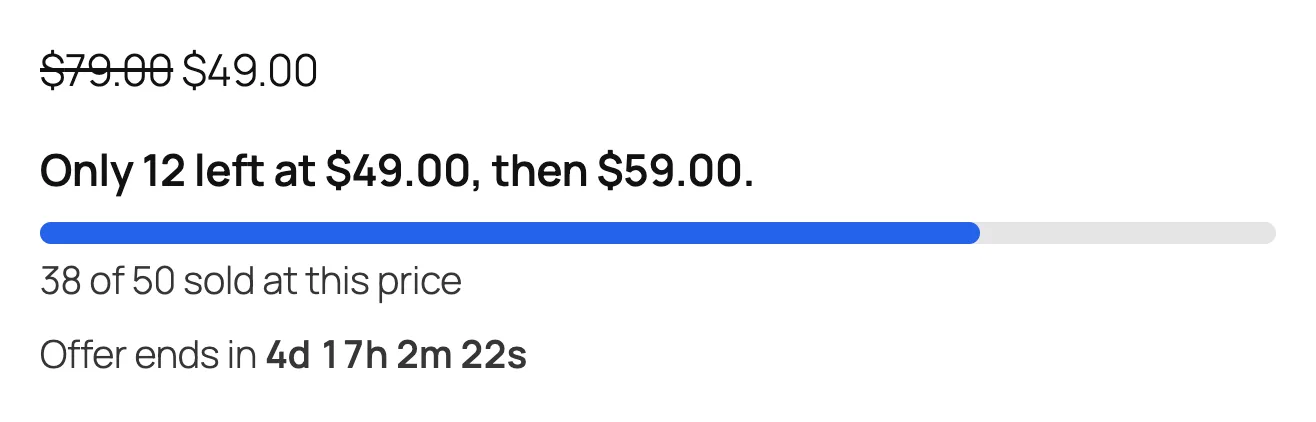
Under the price
- Units left and the next price: "Only 12 left at $49.00, then $59.00."
- A progress bar for the current price.
- A live countdown to the end date, when you set one.
Tier table
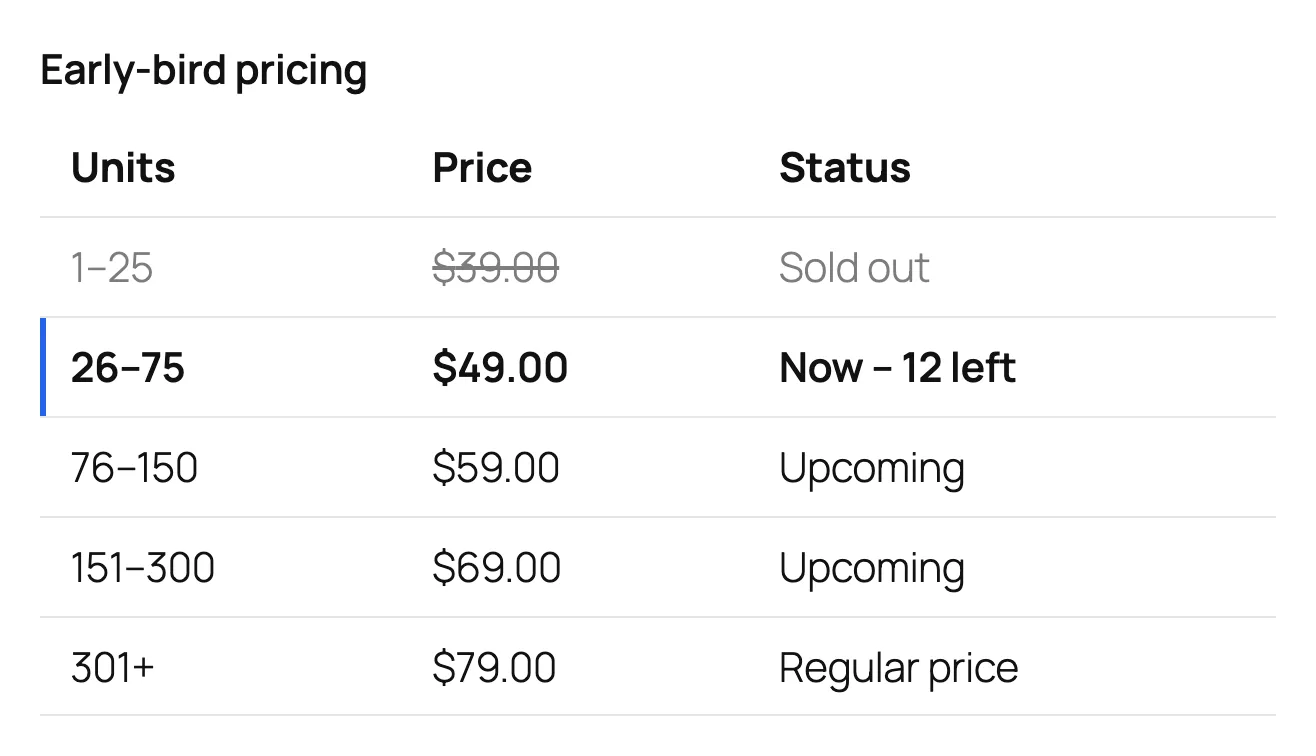
After the Add to cart button, a table shows every step: sold out, the current price with units left, upcoming prices and the regular price.
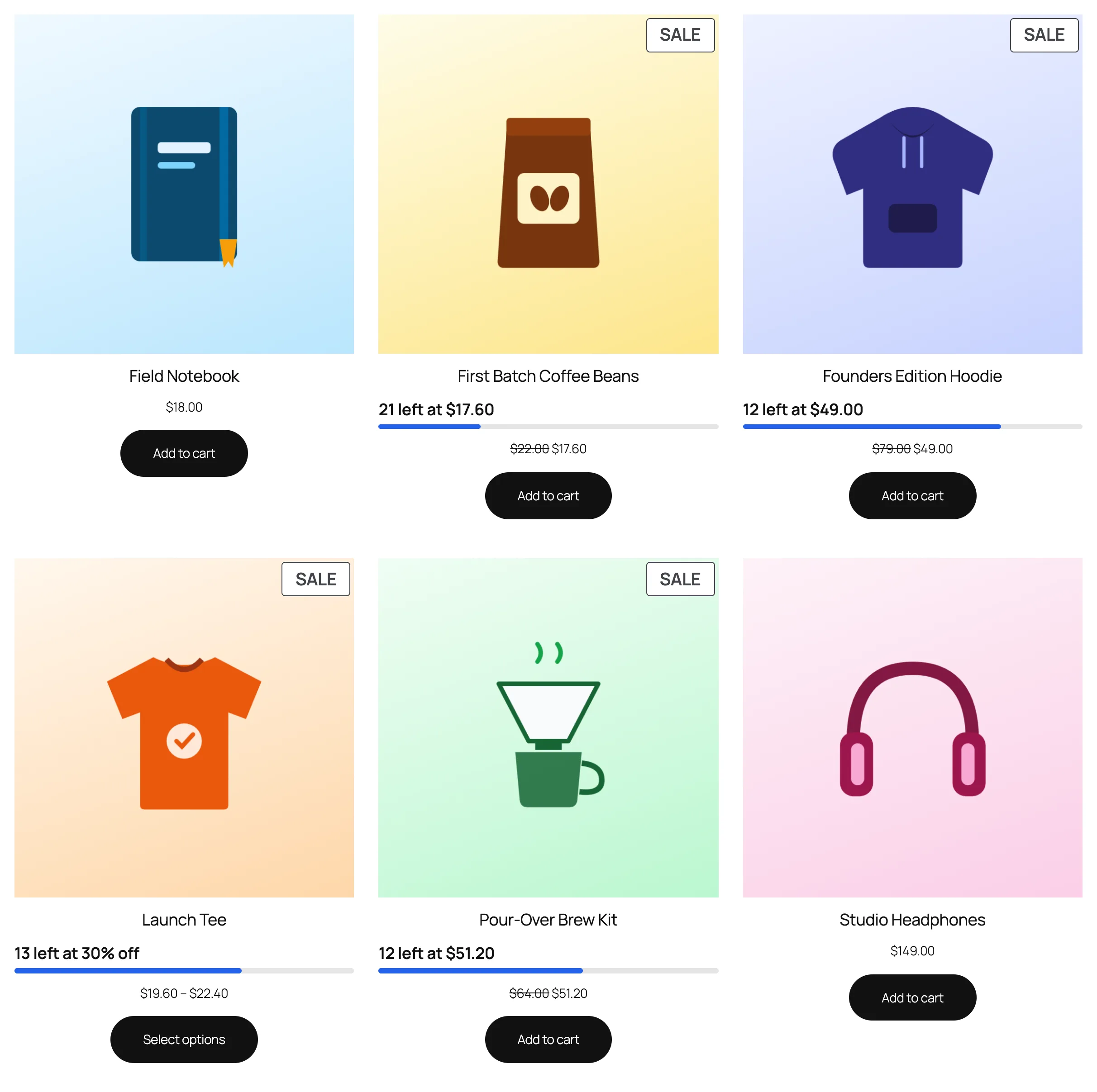
On shop and category pages
Each product with a running campaign shows a badge with units left and a small progress bar.
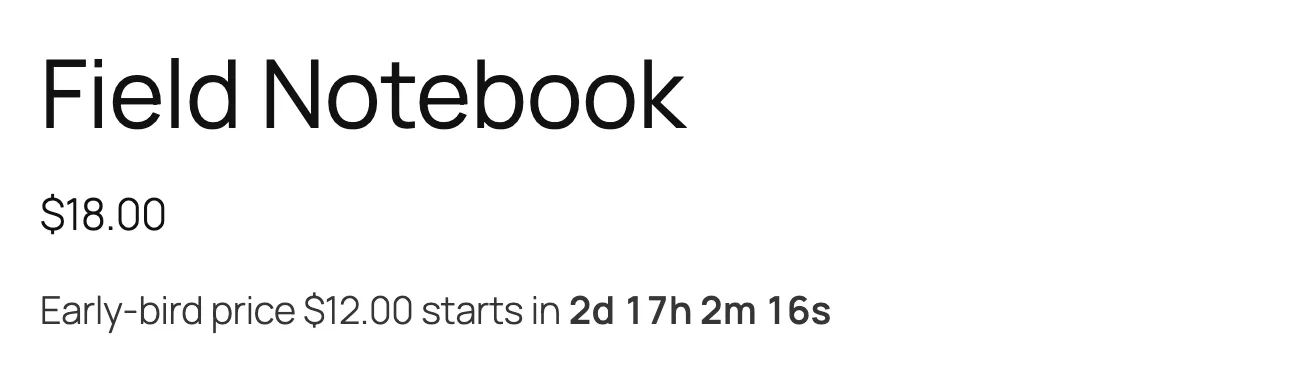
Before the campaign starts
If the campaign has a start date in the future, shoppers see the early-bird price and a countdown to when it opens.
After it sells out
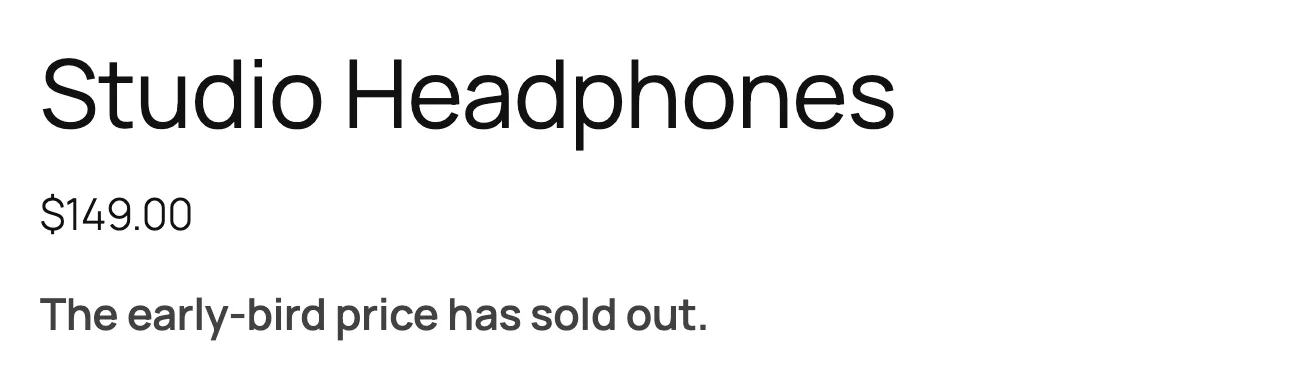
Optionally, show "The early-bird price has sold out" once every tier is gone. The product is back at its regular price.
Place parts anywhere
| Shortcode | Shows |
|---|---|
[tierstep] | Everything below together |
[tierstep_notice] | Units left and the next price |
[tierstep_progress] | The progress bar |
[tierstep_countdown] | The countdown |
[tierstep_table] | The tier table |
Outside the product page, add the product ID: [tierstep id="123"].
In the block editor, use the TierStep Early Bird block and pick which parts to show.