
Store-wide campaigns
A store-wide campaign applies one set of tiers to many products at once, such as a launch week for a whole category.
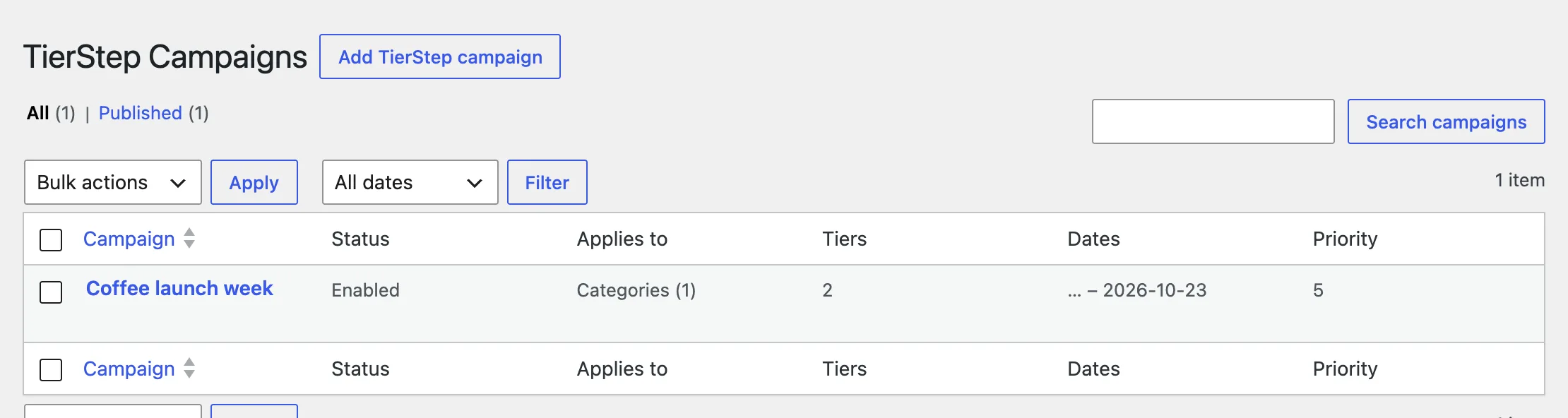
Create a campaign
- Go to Products → TierStep Campaigns → Add campaign.
- Give it a name, for example "Coffee launch week".
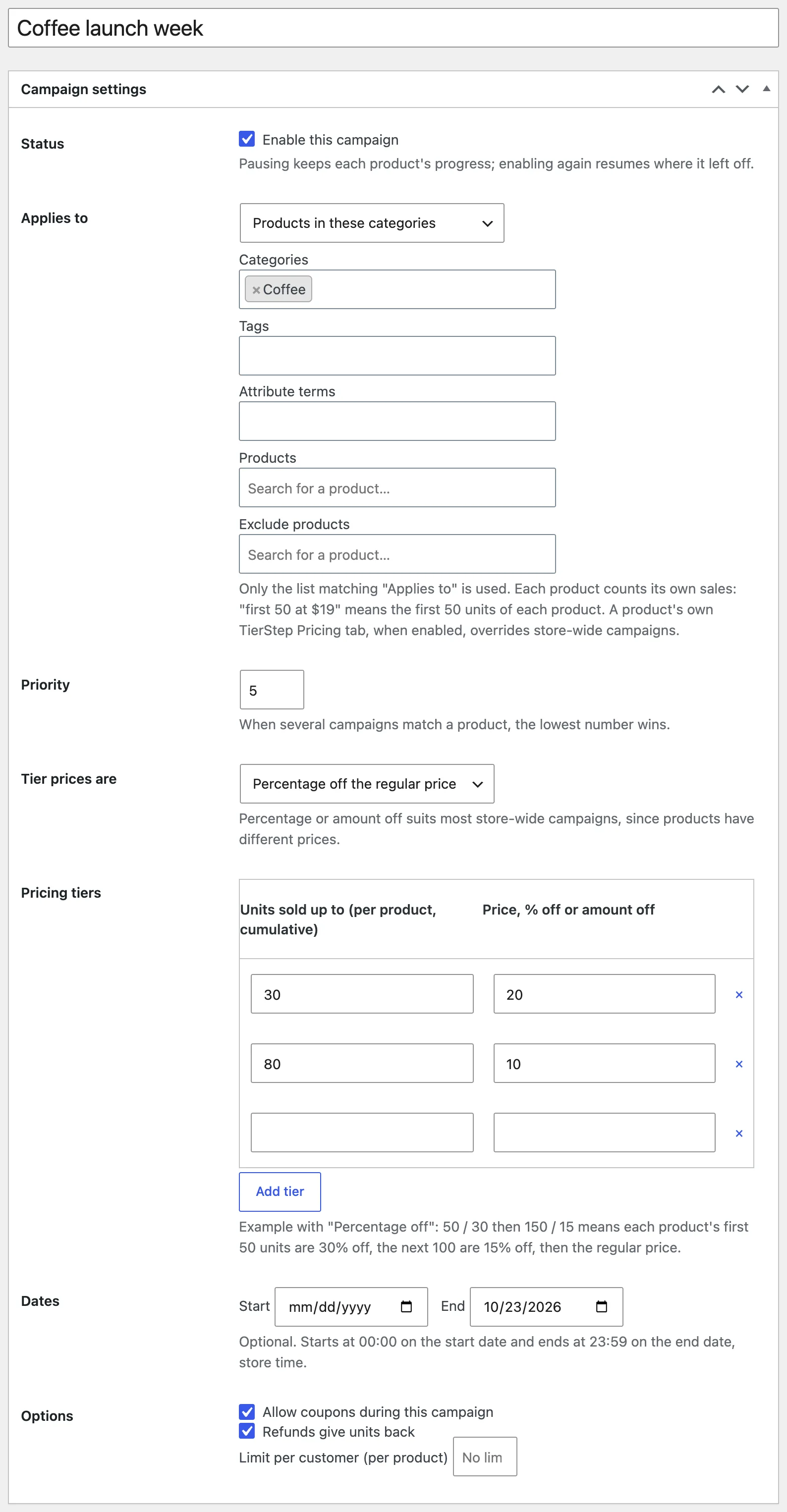
- Tick Enable this campaign.
- Under Applies to, choose All products, Products in these categories, Products with these tags, Products with these attribute terms, or These products, then pick them.
- Optional: add products to Exclude products.
- Choose Tier prices are. Percentage off usually suits store-wide campaigns.
- Add tiers, dates and options, then click Publish.
How counting works
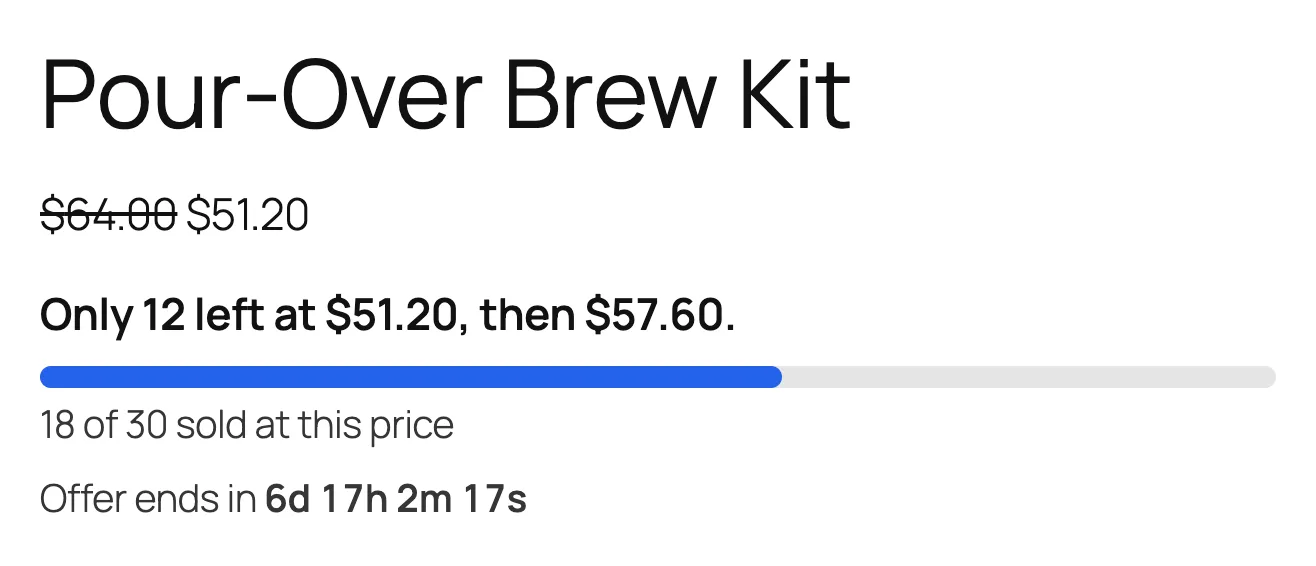
Each product counts its own units. With "first 30 at 20% off", each product in the campaign gives 20% off its own first 30 units.
When several campaigns apply
- A product's own TierStep Pricing tab, when enabled, always wins over store-wide campaigns.
- If several store-wide campaigns match a product, the one with the lowest priority number wins.
Not sure which campaign a product uses? Open the product and check the TierStep status box.