
Early-bird deals page
Show every product with a running campaign on one page, ordered by the offers ending soonest.
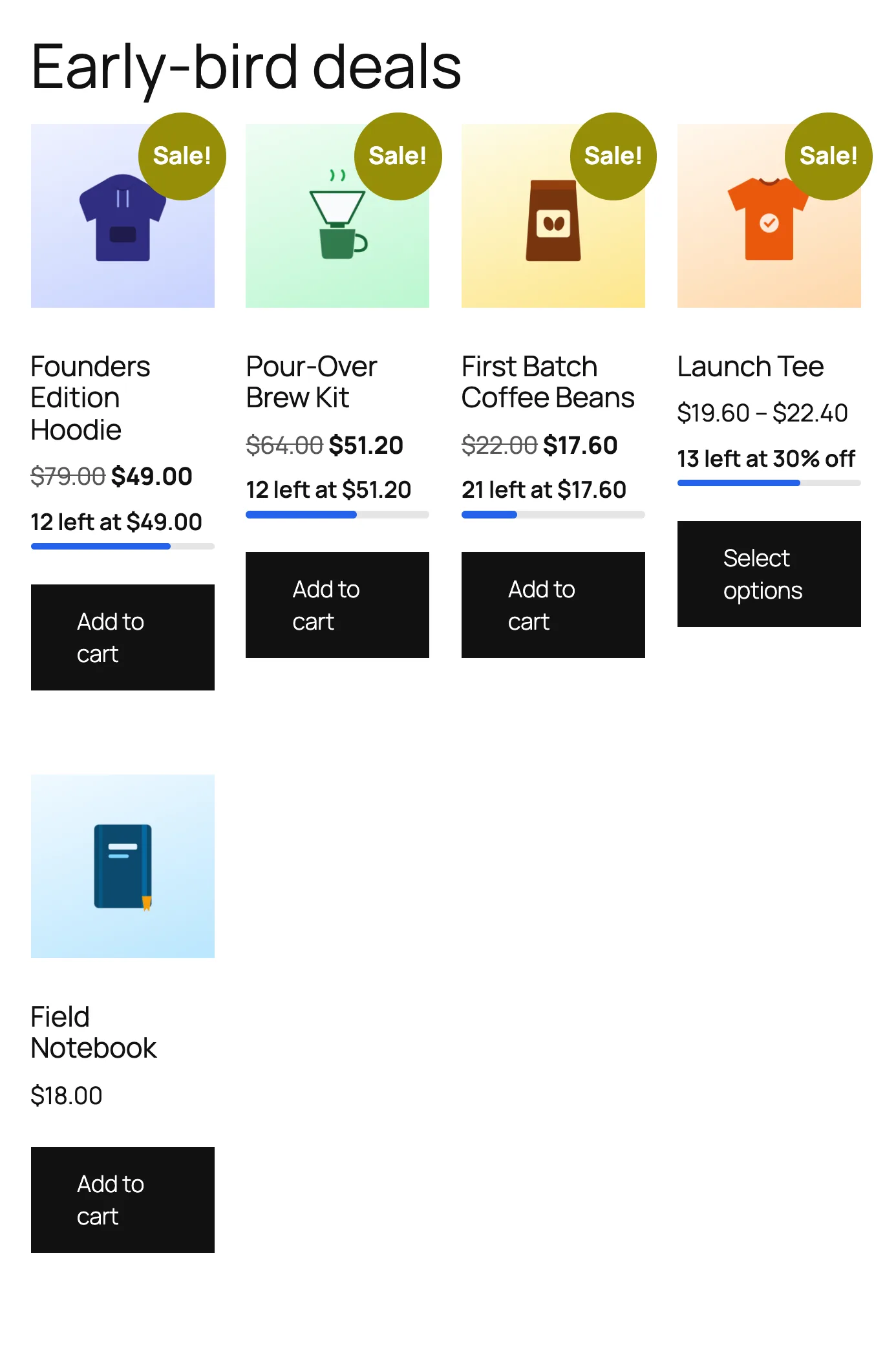
Create it
- Go to Pages → Add New Page and give it a title, for example "Early-bird deals".
- Add the TierStep Early-Bird Deals block, or the shortcode
[tierstep_deals]. - Publish, and add the page to your menu.
Options
| Option | Block setting | Shortcode |
|---|---|---|
| Number of products | Products | limit="12" |
| Columns | Columns | columns="4" |
| Include campaigns that haven't started | Also show campaigns that haven't started | upcoming="yes" |
The list includes products with their own campaign and products in store-wide campaigns. It uses your theme's own product grid, so it matches your store.