Early Bird Pricing vs Bulk Discounts in WooCommerce: Which Do You Need?
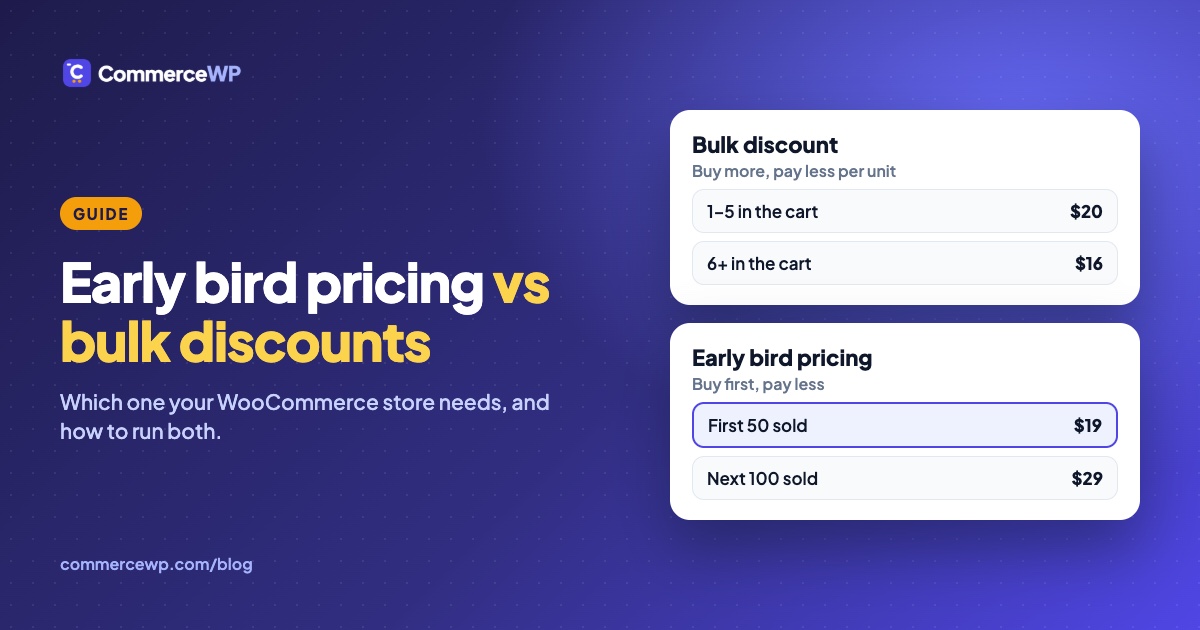
“Discount” covers two very different ideas in a WooCommerce store. A bulk discount lowers the price when one shopper buys more. Early bird pricing lowers the price for the first shoppers, and the price goes up as units sell. They solve different problems, and many stores end up wanting both.
This guide explains the difference, which kind of plugin does each, and what happens when you run them together. We make TierStep, an early bird pricing plugin, so we’ve kept to facts you can check: the other plugin’s own WordPress.org listing, and a test we ran ourselves (details at the end). Checked on October 18, 2026.
The short answer
- You want shoppers to buy more per order (multi-packs, wholesale, “buy 3, save 20%”, buy one get one): you need a bulk or dynamic discount plugin.
- You’re launching something and want the first buyers to get the best price, with the price rising as it sells (first 50 at $19, next 100 at $29): you need early bird pricing.
- Both: they can run side by side. See running both together.
Bulk discounts: buy more, pay less per unit
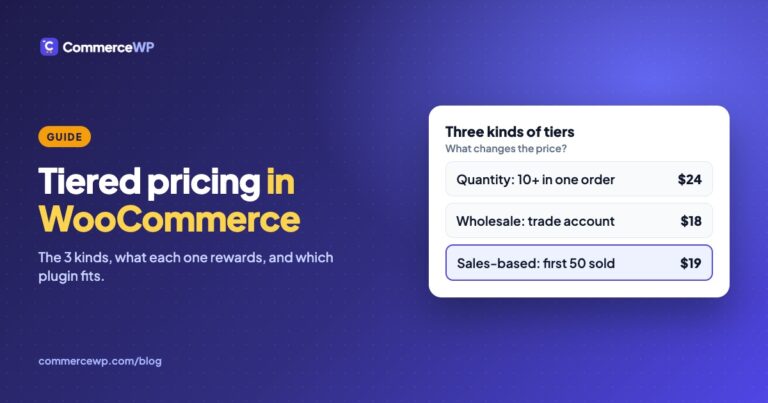
A bulk (quantity, volume or tiered) discount looks at one cart. (Tiered pricing has three kinds in all; see tiered pricing in WooCommerce.) The more units a shopper adds, the lower the price per unit:
| Quantity in the cart | Price per unit |
|---|---|
| 1–5 | Regular price |
| 6–10 | 10% off |
| 11+ | 20% off |
Every shopper gets the same deal, whether they buy on launch day or a year later. It raises average order value, not urgency.
The most-installed free plugin for this on WordPress.org is Discount Rules and Dynamic Pricing for WooCommerce by AsanaPlugins (formerly Easy WooCommerce Discounts, 9,000+ active installs). According to its listing, the free version covers:
- bulk and quantity discounts, with a quantity pricing table on the product page;
- buy one get one and buy X get Y deals;
- category, storewide and scheduled discounts;
- cart-total discounts and coupons that apply automatically;
- shipping rules such as free shipping over a cart total.
Its PRO version adds wholesale and role-based prices, bundles, first-order discounts, checkout fees and a countdown timer. If bulk deals or buy one get one are what you need, it’s a strong choice. TierStep doesn’t do any of this.
Early bird pricing: first buyers pay less
Early bird pricing looks at the whole store’s sales of a product. The price depends on how many units have sold so far, across every customer:
| Units sold so far | Price |
|---|---|
| First 50 | $19 |
| Next 100 | $29 |
| After that | $39 (regular price) |
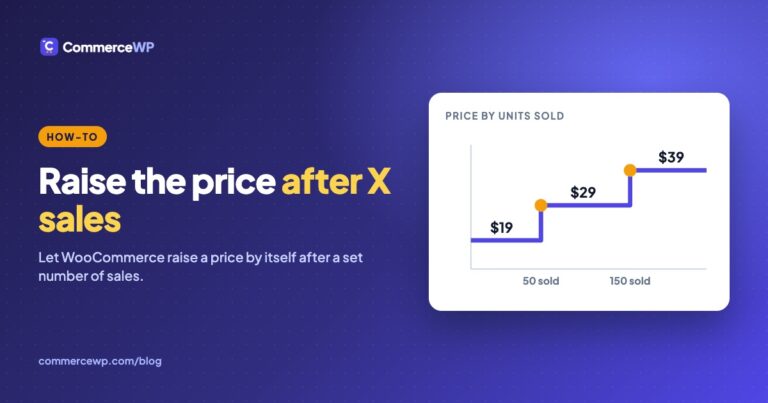
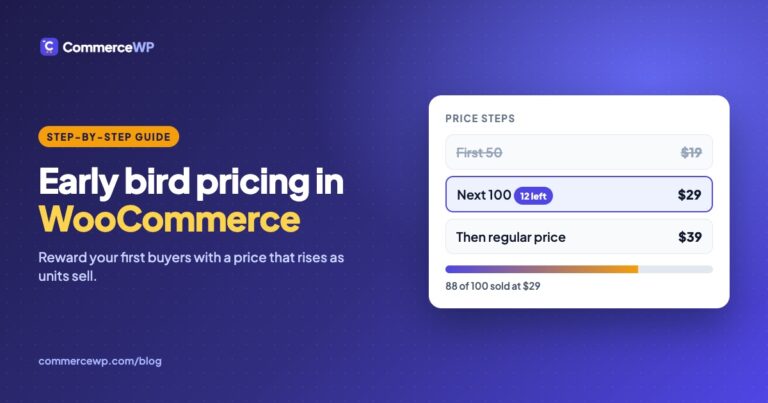
It rewards people for buying early, and the urgency is real: shoppers can see how many are left at today’s price and what the next price is. It suits product launches, pre-orders, limited editions, courses and event tickets. We cover the setup in How to Set Up Early Bird Pricing in WooCommerce and the “raise the price after X sales” variation in How to Increase the Price After X Sales. The TierStep docs explain tiers and price modes and how it keeps launches fair.
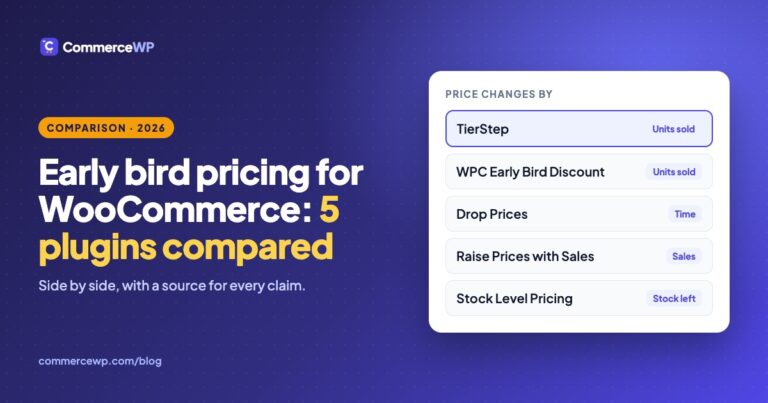
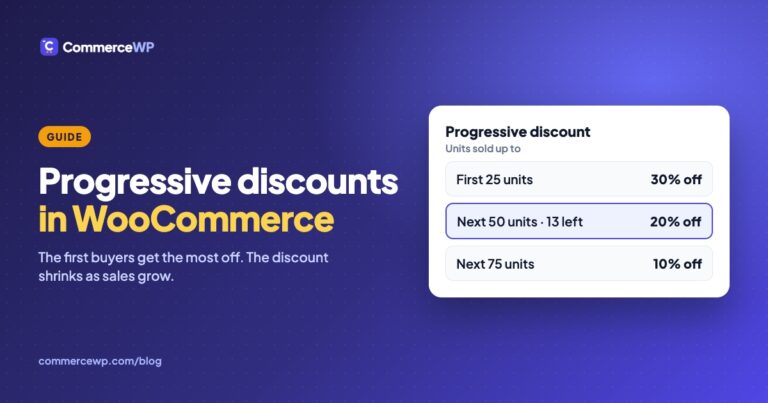
Discount rule plugins don’t count sales this way. Discount Rules and Dynamic Pricing’s listing doesn’t mention pricing by units sold; its closest feature is a PRO “usage restrictions” option that limits how often a rule can fire. For plugins built for this job, see our comparison of five early bird pricing plugins. When the steps are set as a shrinking percentage off (30%, then 20%, then 10%) rather than fixed prices, the same model is called a sales-based progressive discount; the setup is in progressive discounts in WooCommerce.
Side by side
| Bulk / dynamic discounts | Early bird pricing | |
|---|---|---|
| Price depends on | What’s in this shopper’s cart | How many units have sold store-wide |
| Who gets the best price | Shoppers who buy more | Shoppers who buy first |
| Changes over time | Only if you schedule it | Automatically, as units sell |
| Main goal | Bigger orders | Faster launches, real urgency |
| Typical use | Multi-packs, wholesale, buy one get one, seasonal sales | Launches, pre-orders, limited editions, courses, tickets |
| Example plugin | Discount Rules and Dynamic Pricing for WooCommerce | TierStep |
Running both together
We installed Discount Rules and Dynamic Pricing for WooCommerce 9.4.0 next to TierStep 2.0.1 on a test store and tried a storewide 10% rule, a “20% off when you buy 3+” bulk rule and an automatic 10% cart discount, with block cart and checkout. Here’s how they work together:
- While a TierStep tier is active, TierStep’s price is the product’s price. The other plugin’s product rules (storewide, bulk) don’t stack on top of it, and its quantity table isn’t shown on that product, so shoppers never see a deal the cart won’t give them.
- Cart discounts and coupons follow your campaign’s “Allow coupons” setting. On, the automatic cart discount comes off the tier price. Off, it skips the campaign product and still applies to the rest of the cart.
- Every other product works as normal. Products without an active campaign get the other plugin’s discounts as usual, and once a campaign ends they apply to that product again.
- Units still count. Orders placed with both plugins active move the campaign forward.
So a typical setup is: TierStep on the products you’re launching, a discount rules plugin for multi-buy deals across the rest of the catalog.
TierStep 2.0.0 had one display gap with this plugin: product pages could show the other plugin’s price while the cart charged the TierStep price. TierStep 2.0.1 fixes it, so update before running both.
Which should you install?
- Selling consumables, multi-packs or wholesale, or running seasonal sales: start with a discount rules plugin.
- Launching a product, taking pre-orders or selling a limited run: start with TierStep. It’s free, with no paid version.
- Doing both: install both, and use TierStep’s “Allow coupons” setting to decide whether cart discounts may stack on launch prices.
Frequently asked questions
Is Easy WooCommerce Discounts still available?
Yes, under a new name. Easy WooCommerce Discounts is now called Discount Rules and Dynamic Pricing for WooCommerce, by AsanaPlugins, and it’s still on WordPress.org at the same address. It was last updated in September 2026 (version 9.4.0).
What’s the difference between bulk discounts and early bird pricing?
A bulk discount lowers the price when one shopper buys more units in a single order. Early bird pricing is a sales-based model: the first batch of units sells at a lower price for everyone, and the price rises as each batch sells out. One rewards bigger orders, the other rewards buying early.
Can I use a discount rules plugin and TierStep together?
Yes. In our test, TierStep’s tier price was the product’s price while a tier was active, the other plugin’s discounts applied to every other product, and its cart discounts followed the campaign’s “Allow coupons” setting. Use TierStep 2.0.1 or later so product pages show the same price as the cart.
Sources
Everything above can be checked here. If something is out of date, tell us and we’ll correct it.
- Discount Rules and Dynamic Pricing for WooCommerce, WordPress.org listing (features, free vs PRO, install count): wordpress.org/plugins/easy-woocommerce-discounts
- Its readme for version 9.4.0 (feature list and FAQ): plugins.svn.wordpress.org/easy-woocommerce-discounts/tags/9.4.0/readme.txt
- TierStep, WordPress.org listing: wordpress.org/plugins/tierstep-pricing-for-woocommerce
- Our test (October 18, 2026): WooCommerce 11.2.1, a block theme with block cart and checkout, Discount Rules and Dynamic Pricing 9.4.0 (free) and TierStep 2.0.1. Prices were read from the product page and the cart, and one test order was placed with all three rules active.